
YouTube Studio: Manage Your Channel Anytime
YouTube Studio is the official desktop application by Google LLC, designed to help content creators manage and analyze their YouTube videos with ease. This free tool provides a centralized platform for overseeing channel activity, from uploading and editing videos to reviewing performance metrics. It is particularly useful for YouTubers, digital marketers, educators, and independent creators who need a reliable way to monitor their content’s reach and engagement.
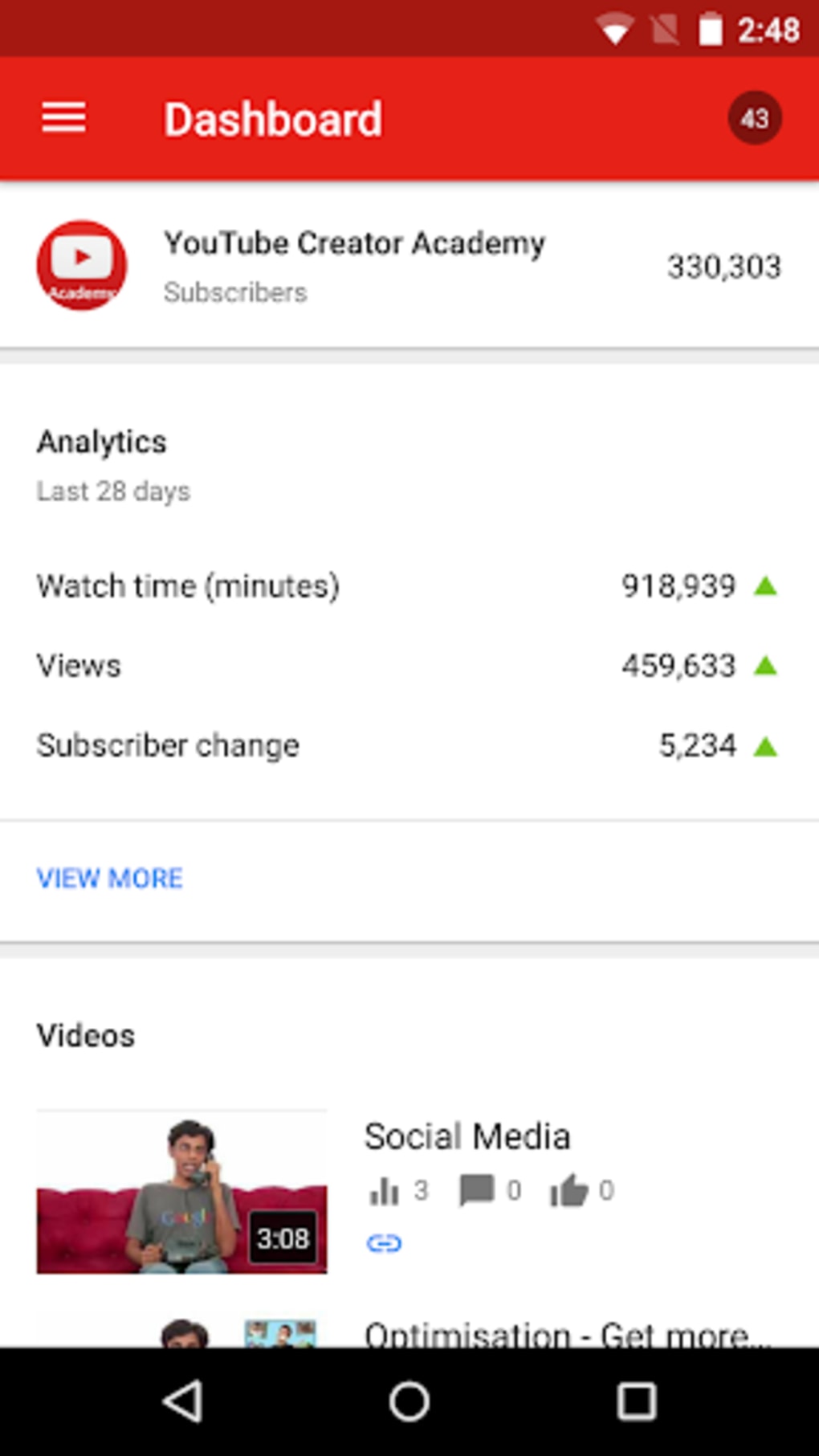
The app allows users to update video details such as titles, privacy settings, categories, and comment moderation preferences. It also offers real-time analytics through the Channel Dashboard and detailed insights for individual videos. With features like notification alerts for video activity and tools for channel customization, YouTube Studio supports creators in maintaining an active and professional presence.
The app’s intuitive interface enhances workflow efficiency, making it suitable for both beginners and experienced users. Although some reported bugs exist, such as persistent comment notifications and occasional crashes during bulk editing, the core functionality remains stable and effective. Its mobile-like experience on desktop ensures that creators can manage their channels on the go, even outside of the browser.
The developer did not provide additional system requirements.
Key Features & Capabilities
- Channel Dashboard – Offers a real-time summary of key channel metrics, including views, subscribers, and video performance. Ideal for quickly assessing overall channel health.
- Video Management – Enables users to edit video metadata such as titles, descriptions, thumbnails, privacy settings, and categories directly from the desktop app.
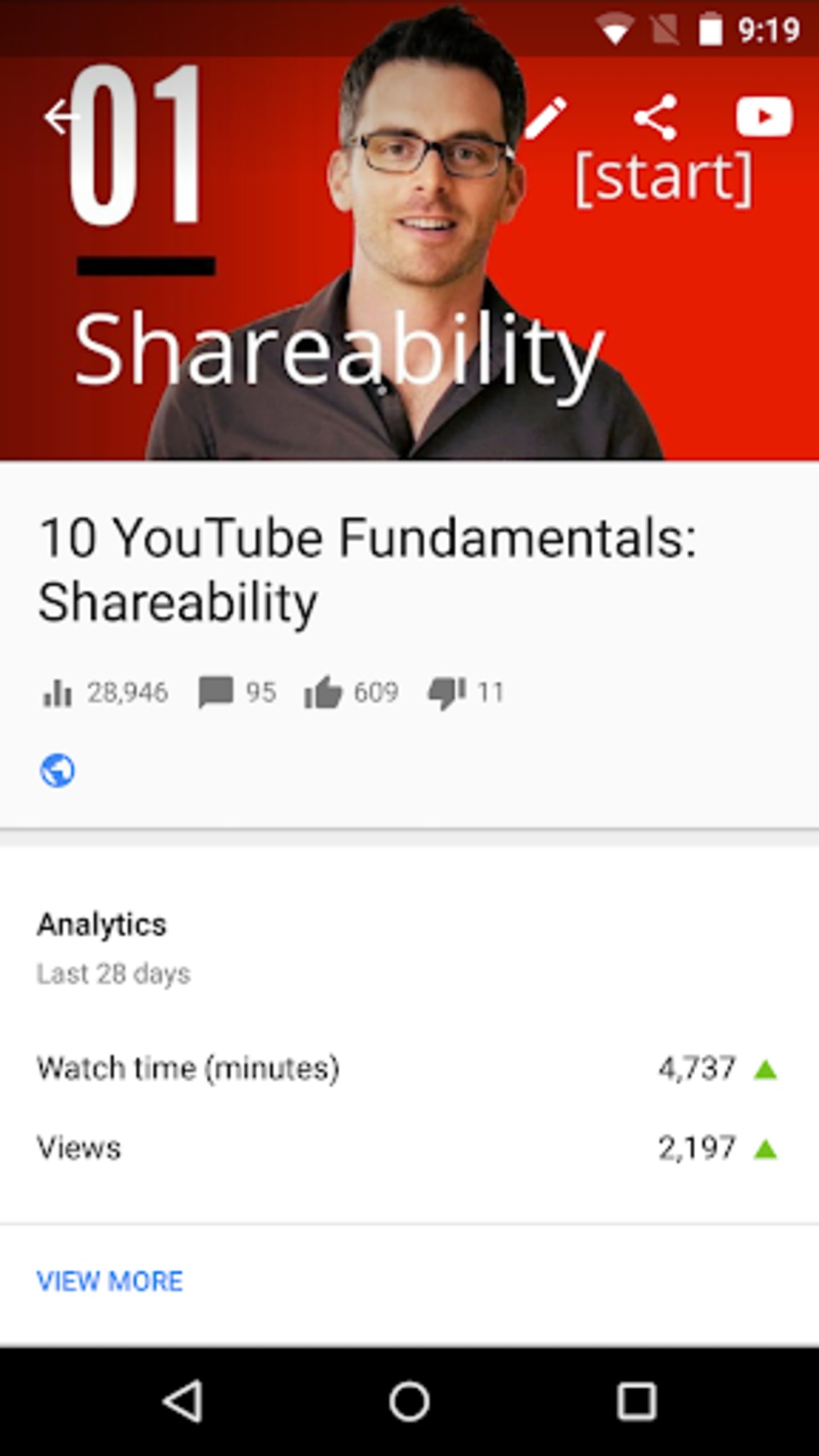
- Analytics & Insights – Provides detailed performance data for each video, including audience demographics, watch time, traffic sources, and engagement trends.
- Comment Moderation – Allows creators to review, approve, or delete comments, and manage comment settings for individual videos or the entire channel.
- Upload & Scheduling – Simplifies the process of uploading new videos and scheduling them for future release, improving content planning and consistency.
- YouTube Partner Program Access – Includes tools to apply for monetization, helping creators transition from content creation to revenue generation.
- Notification System – Sends alerts for video uploads, comments, and other activity, ensuring creators stay engaged with their audience.
These features support a streamlined workflow for content creators who rely on data-driven decisions. For example, a vlogger can use the analytics to identify which video types attract the most viewers, then adjust their content strategy accordingly. Similarly, an educator can schedule weekly videos and monitor engagement to refine teaching materials. The app’s desktop presence enhances accessibility, allowing users to manage their channels without switching between browser tabs. While the video editor is noted to be less responsive during bulk processing, the core management tools remain functional and well-integrated.
User Interface, Workflow & Performance
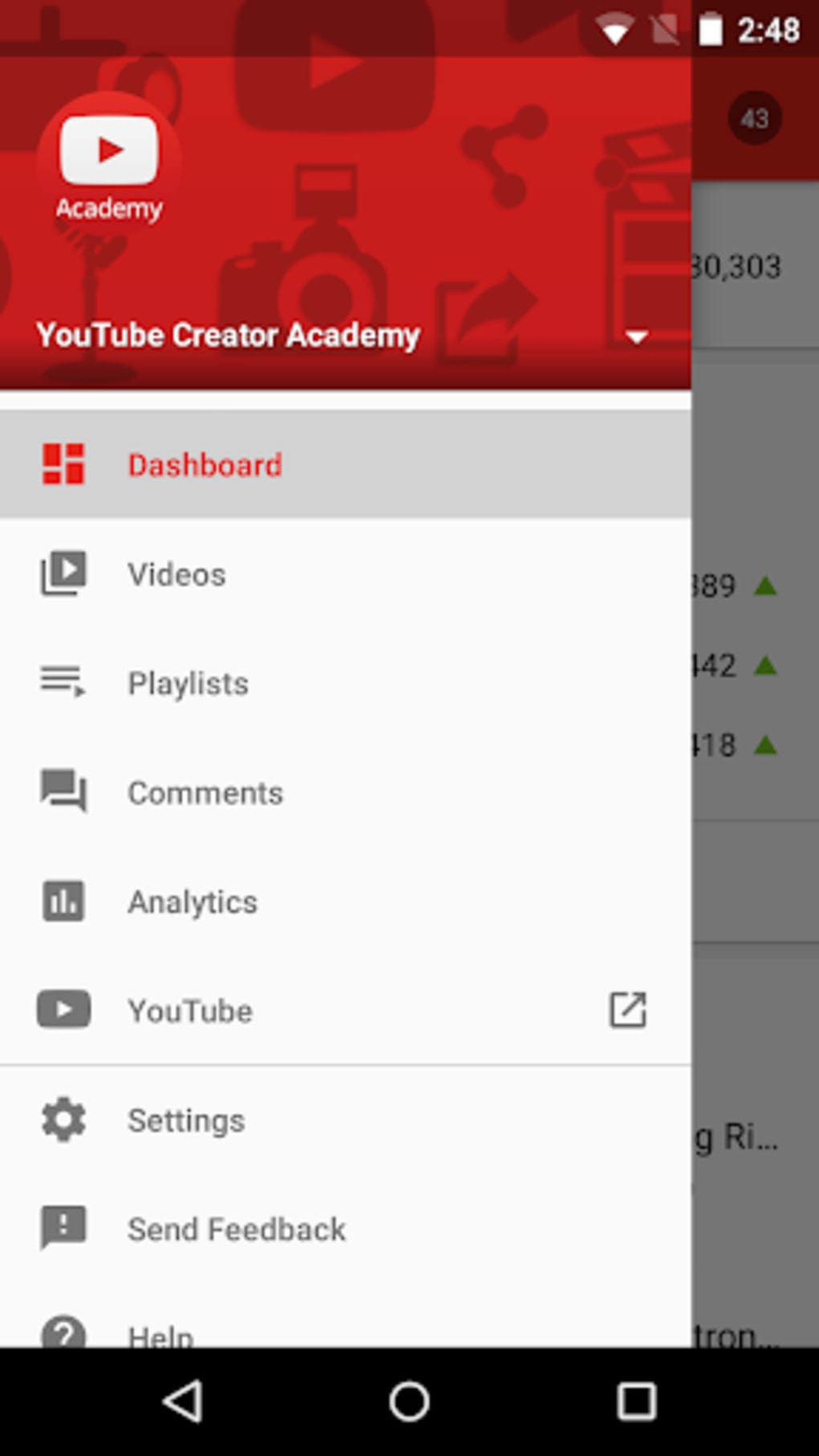
The user interface of YouTube Studio is clean, modern, and consistent with Google’s design language. Navigation is structured through a sidebar menu, offering quick access to core sections like Home, Content, Analytics, and Community. The layout is responsive, adapting well to different screen sizes and enabling efficient multitasking.
Users can switch between tasks—such as reviewing analytics and editing video details—without losing context. The workflow is intuitive, with minimal learning curve, making it suitable for creators new to channel management. However, some users have reported minor interface glitches, such as notifications that fail to clear after being dismissed.
Performance observations are based on general software behavior patterns. The developer did not specify resource usage details. Stability during extended use remains acceptable, though occasional crashes have been noted during high-volume video editing sessions.
CPU and RAM usage were not disclosed. The app runs smoothly on most modern systems, but exact performance metrics were not provided.
Compatibility & System Requirements
YouTube Studio is available for both Windows and Mac operating systems. The current version is 2024.06.24, with a download size of 200 MB. The application is designed to run on desktop environments, offering a browser-independent experience.
The developer did not provide additional system requirements. Exact system requirements were not listed. Compatibility information was partially provided.
Users should ensure their system meets standard desktop application standards for modern operating systems. No hardware-specific recommendations were included.
Pros and Cons
Pros
- Official Google application with full integration into YouTube’s ecosystem
- Free to download and use with no subscription required
- Comprehensive channel management tools in one desktop app
- Real-time analytics and performance tracking
- Supports video upload, editing, and scheduling from desktop
- Intuitive interface designed for creators of all skill levels
- Enables access to monetization tools via the YouTube Partner Program
Cons
- Some users report persistent comment notifications that do not clear
- Video editor can be unstable when handling large batches of clips
- Occasional crashes during intensive editing tasks
- Limited customization options for the dashboard layout
- No offline mode for content editing or analytics viewing
FAQ Section
Is YouTube Studio available for both Windows and Mac?
Yes, YouTube Studio is compatible with both Windows and Mac operating systems, providing a consistent experience across desktop platforms.
Is the software free to use?
Yes, YouTube Studio is completely free to download and use. There are no subscription fees or hidden costs.
Can I use YouTube Studio offline?
YouTube Studio requires an active internet connection to function. There is no offline mode available for editing or viewing analytics.
How often does YouTube Studio receive updates?
Updates are released regularly by Google LLC to improve performance, fix bugs, and add new features. The latest version is 2024.06.24.
Is the YouTube Studio app secure?
As an official application developed by Google LLC, YouTube Studio adheres to standard security practices. It uses encrypted connections and follows Google’s privacy policies.
Final Thoughts + CTA
YouTube Studio stands out as a reliable, official desktop tool for creators who need to manage their YouTube channels efficiently. While it has minor usability issues—such as notification bugs and occasional crashes during bulk editing—the core features remain robust and well-integrated. Its real-time analytics, video management tools, and monetization access make it indispensable for content creators aiming to grow their presence.
The clean interface and desktop accessibility enhance productivity, especially for those who prefer working outside the browser. Whether you're a YouTuber, educator, or digital marketer, YouTube Studio delivers the essentials in a secure, free package. For creators serious about channel growth, this app is a must-have.
Download YouTube Studio now.






.png)
